
Do VPNs Work on Phones and Tablets?
Absolutely — VPNs do work on phones and tablets, and if you're not using one yet, it might be time to seriously consider it. In this guide, we're going to break down how VPNs work on mobile devices, what they do (and don't do), and how to make sure yours is properly set up for max privacy and security.
Whether you're scrolling through Instagram at a coffee shop or checking emails on public Wi-Fi, keeping your data safe on your phone or tablet is just as important as on any laptop or desktop.
So grab your device, maybe a coffee, and let's talk Mobile VPNs.
What is a VPN, Again?
For those who need a quick refresher: VPN stands for Virtual Private Network.
Here's what that means in plain English:
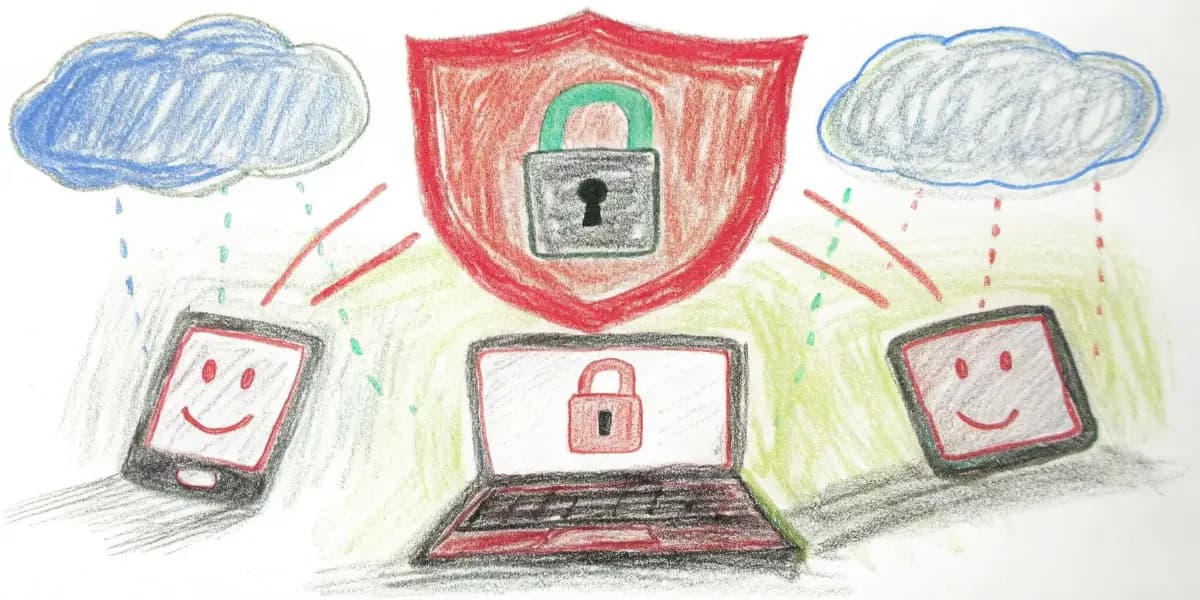
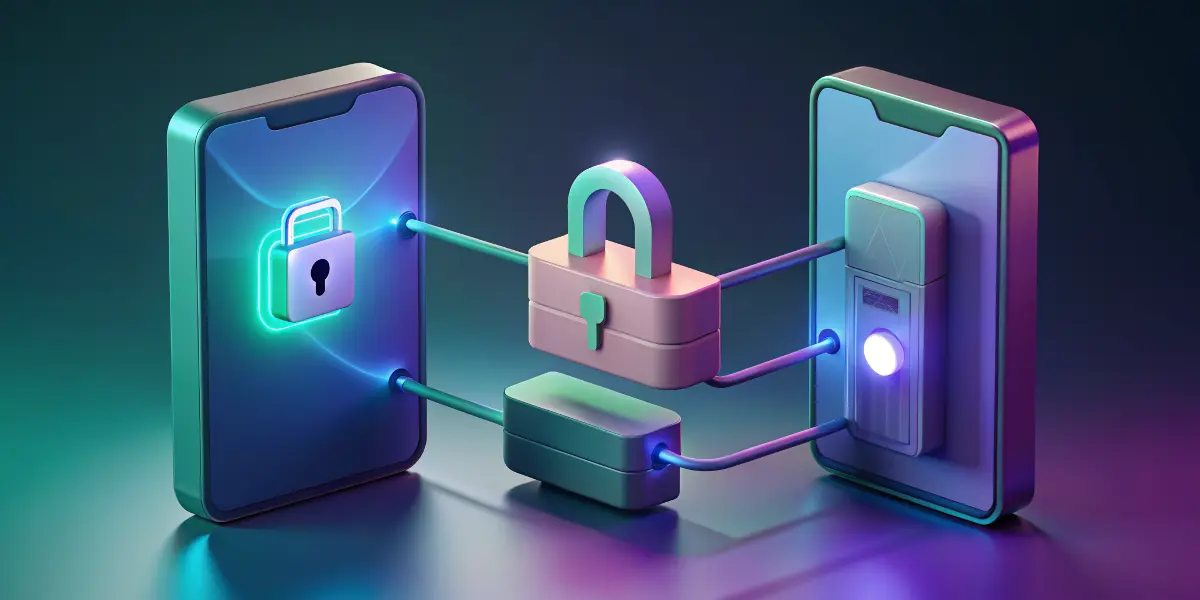
- It creates a secure "tunnel" between your device and the internet.
- It encrypts your data so nobody (including hackers or even your internet provider) can see what you're doing online.
- It also changes your IP address, making you appear as if you're browsing from a different location — useful for privacy and even accessing region-restricted content.
It's privacy, security, and freedom — all wrapped up in one neat digital package.
So... Do VPNs Actually Work on Phones and Tablets?
Yes, 100% they do. In fact, as more people shift to mobile-first internet usage, VPN providers are putting a ton of focus on making their mobile apps powerful and easy to use.
What Devices are We Talking About?
VPN apps are available for:
- iPhones and iPads (iOS)
- Android phones and tablets
- Amazon Fire tablets (some VPNs support them!)
If it runs a mobile operating system, chances are there's a VPN solution for it.
Why Use a VPN on Your Phone or Tablet?
You might be thinking, "I only use my phone for TikTok and texting my mom. Who's spying on that?" Well, more than you'd think.
Here are some real-world reasons to use a VPN on mobile:
1. Public Wi-Fi is a security nightmare
Starbucks Wi-Fi might be convenient, but it's not safe. Anyone else on that network could potentially intercept your data. A VPN will protect your data even on the most suspicious free Wi-Fi hotspots.
2. Avoid tracking by ISPs and apps
Apps and internet service providers often track what you do online. A VPN helps mask your browsing habits so you're less of a data goldmine.
3. Access geo-restricted content
Trying to stream a show that's only available in another country? Or use an app that's not available in your region? A VPN can make it happen.
4. Bypass censorship or restrictions
In some countries, social media or news websites might be blocked. A VPN can help you bypass those restrictions safely.
Setting Up a VPN on Your Mobile Device
Setting up a VPN might sound techy and complicated, but most modern apps make it super easy. Let's walk through the basics for iOS and Android:
For iPhone/iPad:
- Download a VPN app from the App Store. Some popular ones: ExpressVPN, NordVPN, Surfshark, ProtonVPN (many offer free trials!).
- Install and open the app.
- Sign in or create an account.
- Give permission when prompted — you'll be asked to allow the VPN configuration. Tap "Allow".
- Pick a server and connect!
Boom — you're now tunneling like a pro.
For Android Phones and Tablets:
- Download your chosen VPN app from Google Play.
- Open the app and log in.
- Follow on-screen instructions — usually this just means tapping "Connect" and allowing access.
- Choose a location/server if you want to spoof your region.
That's it — your Android device is now safe and secure.
Tips to Make Sure Your VPN is Set Up Properly
It's one thing to install a VPN app, but how do you know it's actually working?
1. Check Your IP Address
Go to a site like whatismyipaddress.com before and after launching your VPN. Your IP address should change when the VPN is on.
2. Use the Kill Switch Feature
Many VPNs come with a kill switch — a feature that blocks internet traffic if your VPN connection drops. This ensures you're never accidentally leaking unprotected data.
Check your app settings and toggle this ON.
3. Set It to Auto-Connect
Worried you'll forget to turn the VPN on? Most apps let you auto-connect on startup or when joining unknown networks. Turn on this setting and forget about it. In a good way.
4. Choose Reliable Servers
Stick to VPN servers that are stable and not overcrowded. Better performance, fewer headaches.
Things VPNs on Mobile Can and Can't Do
Let's be clear on what you're getting:
Can:
- Protect you on public Wi-Fi
- Hide your browsing from ISPs and snoops
- Access blocked content
- Mask your IP/location
Can't:
- Make you 100% anonymous online (apps and sites may still track you with cookies or logins)
- Stop malware or phishing — that's your antivirus or browser's job
- Speed up your internet (it usually slows it slightly due to encryption and rerouting)
Bonus Tip: Want maximum protection? Use a VPN + incognito mode + avoid logging into personal accounts when privacy is a concern.
Best VPN Apps for Phones and Tablets (Our Picks)
There are a LOT of VPNs out there, but here are some tried-and-true options perfect for mobile use:
1. ExpressVPN
- Super fast, highly secure
- Slick app for all device types
- 24/7 support
- Kill switch and split tunneling
- 30-day money-back guarantee
2. NordVPN
- Over 6,000 servers globally
- Great mobile UI
- CyberSec feature for malware/phishing
- WireGuard protocol for speed & security
- Affordable multi-device plan
3. Surfshark
- Budget-friendly
- Unlimited devices
- CleanWeb ad and malware blocker
- Bypasser for specific apps or sites
4. ProtonVPN
- Made by the team behind ProtonMail (serious privacy lovers)
- Great free plan with no data caps
- Strong no-logs policy
- Based in Switzerland (a privacy paradise)
VPNs and Battery Life: Should You Worry?
A common worry is: "Will a VPN drain my battery like crazy?"
Not really. Sure, encrypting data and maintaining a connection does use a bit more energy, but nothing dramatic. If you're watching 4K videos over 5G, that'll drain your phone faster than any VPN will.
Tip: If battery's a big concern, only enable the VPN when you're on public Wi-Fi or doing sensitive stuff like online banking.
Staying Safe Beyond the VPN
A VPN is like a strong front door — but you still need good habits. Here are some bonus mobile safety tips:
- Update your apps and OS regularly
- Use strong, unique passwords
- Bonus: Use a password manager like LastPass or Bitwarden
- Avoid sketchy apps (read reviews before installing)
- Turn off Bluetooth and Wi-Fi when not in use
Being safe online is a combo of the right tools + smart habits. You've got this.
Final Thoughts: Should You Use a VPN on Your Phone or Tablet?
Short answer: YES. Long answer: YEEEESSS!!
In today's always-online, always-tracked world, having a VPN on your mobile device is one of the simplest ways to stay private and secure. Plus, setting it up takes under 5 minutes — less time than it takes to choose a latte flavor.
So if you haven't already, pick a reputable VPN, install it on your devices, and lock down that mobile life.
Quick Recap
- VPNs absolutely work on phones and tablets
- They encrypt your data and hide your IP
- Essential when using public Wi-Fi
- Easy to install and set up with most apps
- Best used in combo with smart browsing habits
Happy safe surfing!