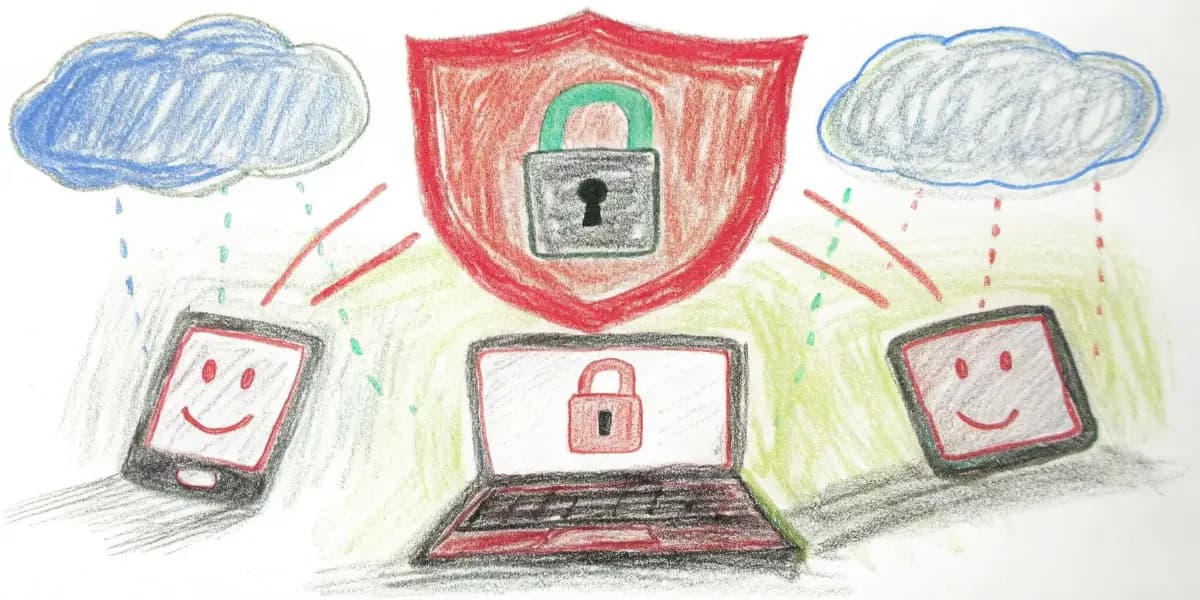

VPNs for Beginners: Start Using One Today
Brand new to VPNs? This guide is for you. Friendly help for your first time going private online.
Understanding VPNs and Why You Need One
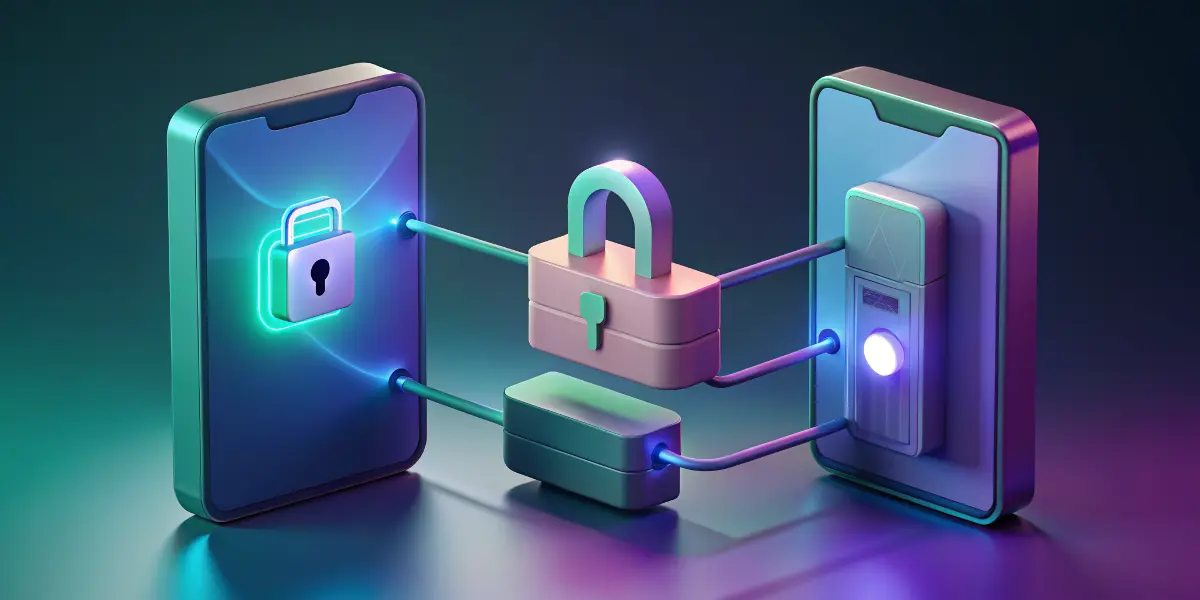
VPN stands for Virtual Private Network. When you use the internet, your data travels through a series of networks to reach its destination. A VPN creates a "tunnel" for your data, encrypting it and making it secure from anyone who might try to intercept it. Think of it as sending your postcards in a locked box rather than openly on a postcard.
One of the primary reasons people use VPNs is for privacy. Whether you're using public Wi-Fi, shopping online, or just browsing the internet, a VPN can ensure that your activities remain private. This privacy is crucial for protecting your sensitive information, like passwords and bank details.
How VPNs Work
When you connect to a VPN, you're essentially connecting to another computer (called a server) owned by the VPN provider. This server acts as a middleman between your device and the internet. Instead of your data going directly to the internet, it first goes to the VPN server, which then forwards it on your behalf. This setup masks your actual IP address and makes it look like you're browsing from the location of the VPN server.
Choosing the Right VPN
Choosing the right VPN can be overwhelming with so many options available. Here are some tips to help you select the right one:
- Privacy Policies: Look for a VPN with a strong privacy policy. Ensure they don't keep logs of your activity.
- Server Locations: If you need to appear as if browsing from different countries, choose a VPN with servers in multiple locations.
- Ease of Use: A beginner-friendly VPN should have a simple installation process and easy-to-use apps.
- Customer Support: Reliable support can be important if you encounter issues setting up or using the VPN.
Setting Up Your VPN
Getting started with a VPN is generally straightforward. Here's how you can set it up:
- Sign up for a VPN provider: Choose a provider and sign up for their service.
- Download the VPN app: Most VPN providers will have dedicated apps for different platforms.
- Install and launch the app: Follow the on-screen instructions to install the app on your device.
- Connect to a server: Open the app, choose a server location, and connect.
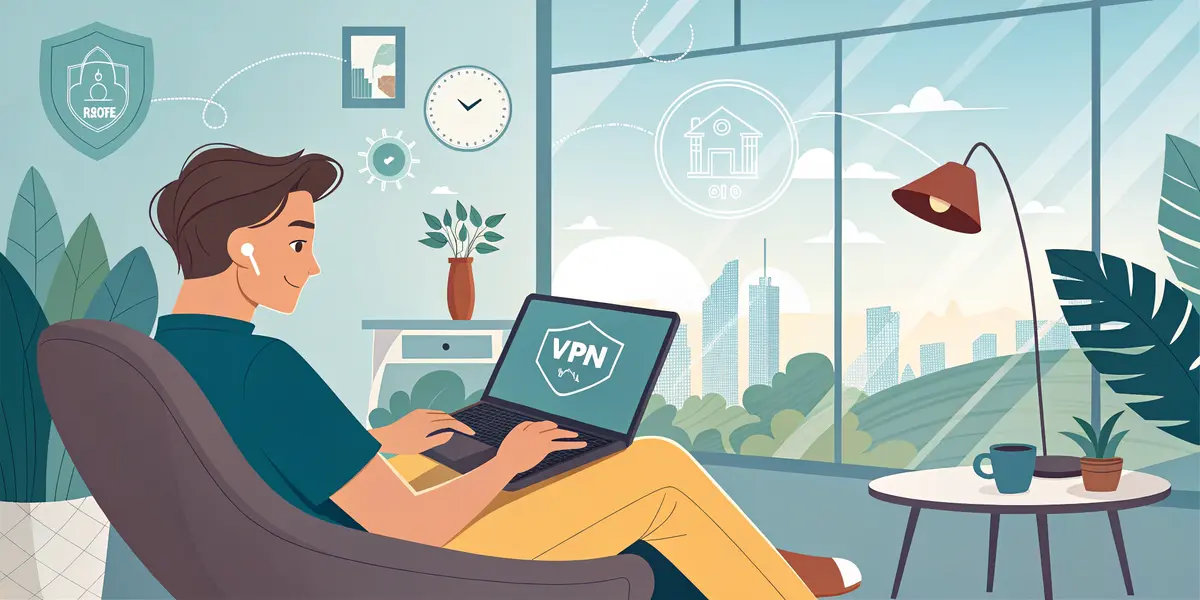
Once connected, you're ready to browse the internet freely and safely.
When to Use a VPN
- Public Wi-Fi: Always use a VPN when connected to public Wi-Fi to protect your data from hackers.
- Traveling Abroad: Access services from your home country that might be restricted abroad.
- Online Privacy: Protect your online activities from prying eyes.
Common VPN Myths
- VPNs are only for tech-savvy people: Not true! Modern VPNs are designed to be user-friendly and accessible for everyone.
- VPNs are illegal: Using a VPN is legal in most countries, although illegal activities remain illegal.
- VPNs slow down your internet: While a VPN may slightly impact your speed, many providers offer fast connections.
Conclusion
VPNs are a powerful tool for keeping your online activities private and secure. As you begin your journey into the world of VPNs, remember that the key is finding the right provider that meets your needs. Use the information in this guide to confidently choose and set up a VPN and start browsing the internet safely and privately.