
How to Use a VPN in 3 Simple Steps
Learn the easiest way to start using a VPN. No tech skills needed — just follow along!
In our digitally connected world, keeping your online activities private and secure is more important than ever. One effective way to enhance your privacy is through the use of a Virtual Private Network (VPN). Don't worry if this term sounds a bit technical; our step-by-step guide will show you how to use a VPN without the need for advanced tech skills. From the bustling world of business travels to unwinding during a vacation, a VPN serves as an invaluable tool for maintaining your digital privacy.
Step 1: Choose a Suitable VPN Service
The first step in using a VPN is selecting the right service provider. Many options are available, both free and paid. While free VPNs might sound appealing, they often come with limitations in speed, bandwidth, or potential security risks. Paid services generally offer more robust protection and faster speeds. Conduct some research on well-reviewed providers such as ExpressVPN, NordVPN, or CyberGhost. Look for features like no-log policies, a wide range of server locations, and customer support.
Considerations When Choosing a VPN:
- Features and performance: Make sure the VPN offers features like kill switches, split tunneling, and high-speed connectivity.
- Server network: A broad server network offers more locations to choose from and potentially better connection speeds.
- Ease of use: The VPN should have a user-friendly interface, particularly if you're not a tech expert.
- Customer support: Reliable customer service can be a lifesaver if you encounter any issues.
Step 2: Install the VPN Software
Once you've selected a VPN service, the next step is installation. After signing up, the VPN provider will typically guide you through the installation process. Here's a general outline:
- Download the Application: Visit the provider's website and locate the download section. Choose the version compatible with your device. Whether you're on Windows, Mac, iOS, or Android, there's usually an application for each platform.
- Run the Installer: Open the downloaded file and follow the on-screen instructions to install the VPN software on your device.
- Log In: Open the VPN application and enter your account details that you registered with the VPN provider.
Step 3: Connect to the VPN
Now that the VPN software is installed, you're just a step away from browsing securely. Here's how to get connected:
- Open the VPN Application: Launch the application that you installed on your device.
- Choose a Server Location: Most VPN apps will list server locations by country. Pick a location; this could be anywhere depending on your needs, such as a server nearby for speed or one in another country to bypass regional restrictions.
- Connect to the Server: Click on the 'Connect' button. Within a few moments, your device should establish a connection to your chosen server.
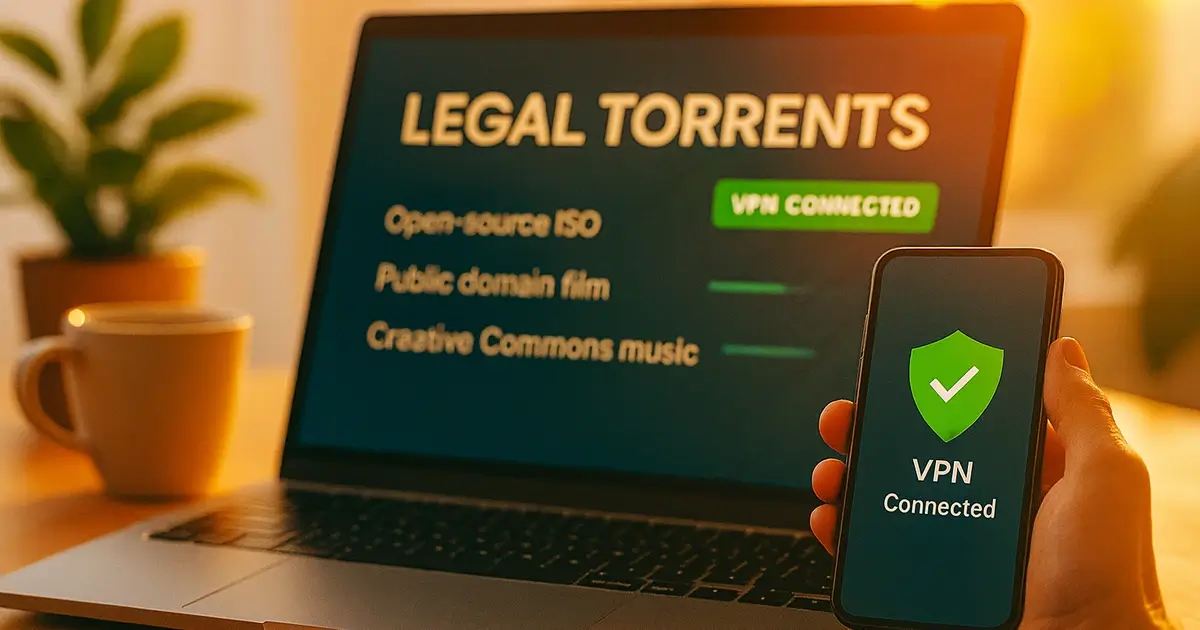
Once connected, you'll notice that your VPN icon in the system tray or notification bar indicates a successful connection. At this point, your internet traffic is encrypted and routed through the VPN server, masking your IP address.
Real-World Applications of Using a VPN:
- Public Wi-Fi Safety: A VPN provides an essential layer of security when you're connected to unsecured public Wi-Fi networks at coffee shops or airports.
- Geo-Restriction Bypassing: Access content that may be region-locked, such as streaming services available only in certain countries.
- Data Protection: VPNs offer protection against potential data theft, especially useful for digital nomads and travelers.
Digital Advice for Private Internet Use:
While a VPN significantly enhances your privacy, it's essential to pair it with other internet safety practices. Always ensure you're using strong, unique passwords for your accounts, enabling two-factor authentication where available, and being cautious of phishing scams.
And there you have it! With these simple steps, you're now equipped to safely navigate the internet with a VPN, enjoying greater security and privacy, all without needing to become a tech guru.