
Why VPNs Are a Must for Remote Workers
Ah, remote work — the dream for many professionals. Pajamas all day, coffee by the gallon, and zero morning traffic. What could possibly go wrong?
Well, as it turns out, quite a bit... especially when it comes to your online privacy and data security.
If you're a remote worker or business owner managing a remote team, there's one tool in your “digital survival kit” you absolutely can’t overlook: a VPN.
Let’s explore why Virtual Private Networks (VPNs) are a must-have for remote workers, how they protect your personal and professional data, and how to choose the right one for you.
What Is a VPN, and How Does It Work?
Imagine the internet is like a highway. Without a VPN, all your online activity — like the sites you visit, the messages you send, and the data you download — travels on that highway completely exposed. It's like driving a convertible with all your stuff in plain sight.
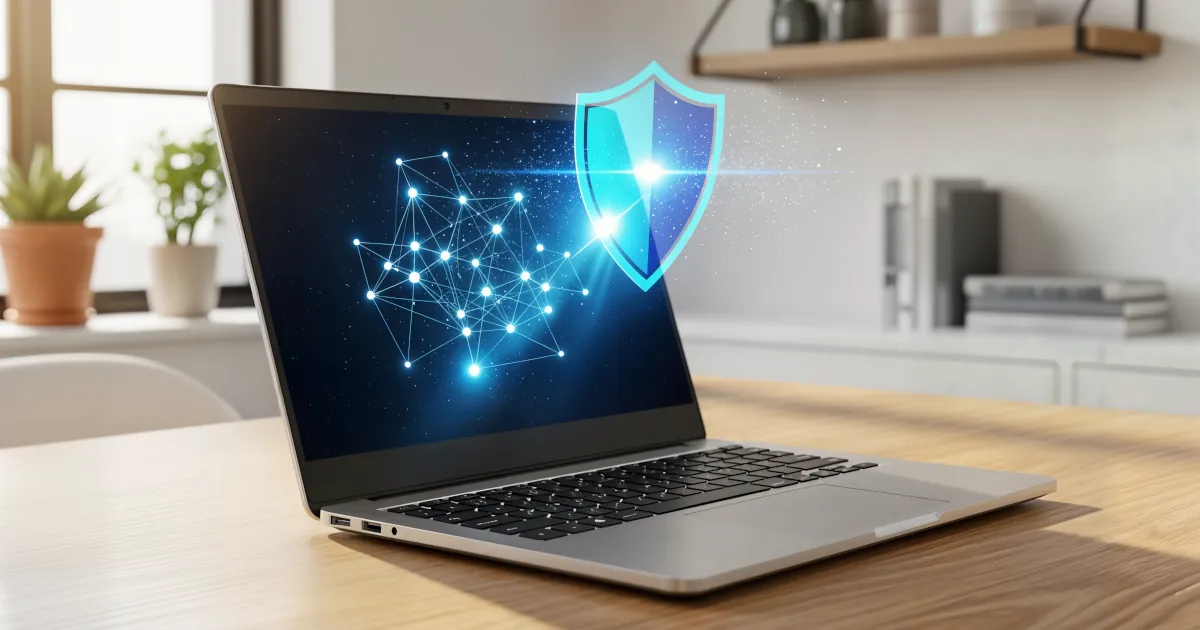
A VPN (Virtual Private Network) is like a secure tunnel through that highway. It encrypts your data and hides your IP address, making it way harder for hackers, advertisers, or even your internet provider to see what you're up to.
In short? A VPN acts like a bodyguard for your internet connection.
Why Remote Workers Need VPNs
So you may be thinking, “I work from home. Isn’t my Wi-Fi secure enough?” Good question — but it's not just about your home network.
Let’s break down the reasons VPNs are essential for remote workers.
1. You Use Public Wi-Fi
Ever worked from a coffee shop, airport, or hotel lounge? Public Wi-Fi is convenient, but here’s the reality check: it's often a hacker’s playground.
Without a VPN, logging into your work email or accessing company files on public Wi-Fi is like whispering classified info at a crowded table. Anyone with basic hacking tools can "eavesdrop" on your connection.
VPNs encrypt your data, even on public Wi-Fi, making it virtually unreadable to prying eyes.
2. You’re Accessing Company Resources Remotely
Working for a company that provides access to internal databases, shared drives, or cloud apps? Then there’s a good chance you're accessing sensitive information that should not be floating around unsecured.
Many companies have VPNs configured to establish secure pathways into their network for remote employees. Using a VPN, you’re essentially connecting to company resources as if you were inside the office — just from your living room couch.
3. You Need to Protect Client or Personal Data
As a freelancer, consultant, or business owner, you handle sensitive data — whether it's client contracts, billing info, intellectual property, or even passwords.
Imagine the disaster if one of your digital communications got intercepted. VPNs ensure that the data you exchange remains for your eyes only.
So whether you're sending an invoice or logging into a client database, a VPN gives you a shield of encryption and privacy.
4. Avoid Location-Based Restrictions
Let’s say you're traveling while working and need access to services unavailable in your current location — like a specific website or a business tool blocked in that region.
VPNs can spoof your location, letting you browse as if you’re back home. That means no interruptions, no blocked access, and full productivity no matter where your suitcase takes you.
5. You Like Your Privacy (Who Doesn’t?)
Even if you’re just browsing innocently or attending Zoom calls — your data is still vulnerable.
Internet Service Providers (ISPs), search engines, and advertisers are all tracking your behavior. Only a VPN can help mask your IP address to reduce tracking footprints and maintain your right to privacy.
Risks of Not Using a VPN While Working Remotely
Let’s talk about the not-so-fun consequences of skipping out on VPN protection:
- Unsecured data transfer: Emails, invoices, login credentials — all exposed.
- Targeted cyberattacks: Hackers actively scan for weak or unprotected connections.
- Data theft: Personal info, client records, or company secrets stolen mid-transmission.
- Company liability: Exposing customer or employee data without adequate protection can have legal ramifications.
- Financial loss: Compromised financial info or ransomware attacks can cost thousands.
Simply put, not using a VPN is like leaving your front door wide open with a sign saying, “Help yourself!”
Features to Look for in a VPN
Choosing the right VPN can feel like shopping for a new phone — tons of options, lots of techy terms. Here’s a simplified cheat sheet:
Strong Encryption
Look for AES-256 encryption (the gold standard). This keeps your data encrypted like Fort Knox.
No-Log Policy
A solid VPN should promise not to store or track what you’re doing online.
Worldwide Servers
More servers = a faster, more reliable connection. It also helps you access content from different regions.
Fast Speeds
Not all VPNs are snappy. Prioritize providers with reputation for minimal speed reduction.
Multi-Device Support
You probably work across phone, laptop, tablet — get a VPN that works on all.
Active Kill Switch
If the VPN drops unexpectedly, a kill switch immediately shuts off your internet to avoid unencrypted data leaks.
Some top-rated VPNs include NordVPN, ExpressVPN, ProtonVPN, and Surfshark.
Bonus Round: VPNs for Business
VPNs aren’t just for solo freelancers — they’re critical for small and large businesses too.
If you're an entrepreneur or team manager with remote employees:
- Set up VPN access for the whole team
- Ensure everyone uses it when accessing the company’s digital tools
- Combine it with two-factor authentication (2FA) for even stronger security
Many business VPNs also come with admin dashboards that let you enforce security protocols, monitor usage, and restrict access to sensitive areas.
Common Misconceptions About VPNs
“Isn’t a VPN illegal?”
Nope! Totally legal in most countries (though restricted in a few). In fact, many industries require them for compliance reasons.
“Won’t it slow down my internet speed?”
A little — but most top VPNs manage speed well. A small speed tradeoff is worth the privacy protection.
“Isn’t my antivirus enough?”
Antivirus protects against malware. It doesn’t secure your internet connection. Think of VPNs and antiviruses as teammates.
Final Thoughts: VPNs are the Work-From-Home Capes We All Need
Working remotely is here to stay. But with great freedom comes great responsibility — especially when it comes to protecting your data and your clients’ trust.
A VPN is one of the easiest, most affordable, and most effective ways to stay safe online while working from anywhere.
It’s a small step for your digital toolkit — a giant leap for your data’s safety.
Quick Recap
- A VPN encrypts data and keeps your location hidden.
- Essential for remote workers using public Wi-Fi, company emails, or sensitive files.
- Protects your privacy, bypasses geo-blocks, and shields you from hackers.
- Look for VPNs with strong encryption, fast speeds, a kill switch, and a no-logs policy.
- Use VPNs throughout your remote work process, especially if you're handling confidential data or team communications.